Help
Questions and help
Delete your account
Improved, by Breno Cunha Queiroz.
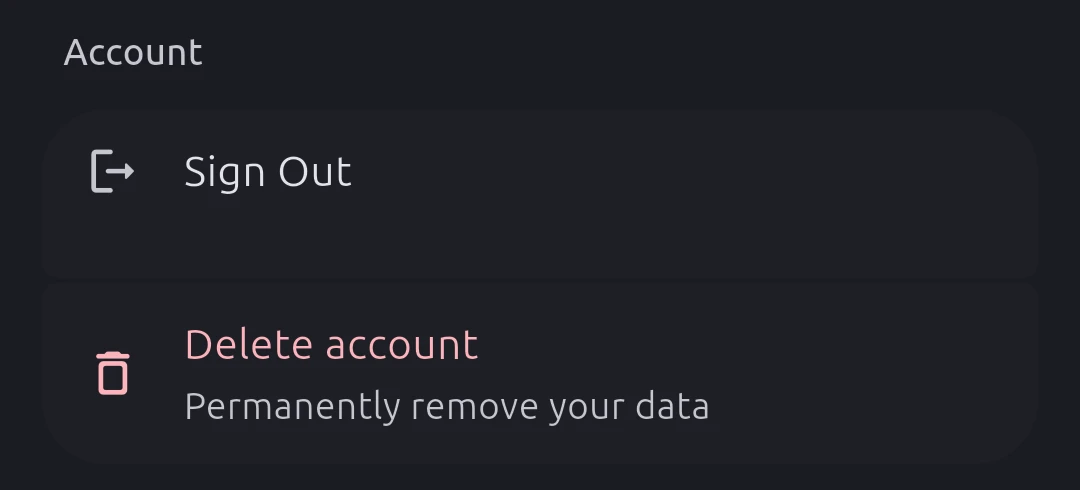
In the app: Settings → Account → Delete account, then confirm.
Without the app: write to brenocq.br@gmail.com from the address you sign in with, and we’ll delete your account and reply when it’s done.
What goes: all your data and files, your feedback screenshots, your WHOOP and Google Calendar connections (we revoke our access) and your personal access tokens.
What stays: events already written to your Google Calendar, which are yours to delete there. Firebase keeps two kinds of data for a fixed time, then deletes them: crash reports (Firebase Crashlytics), with the identifiers sent with them, for 90 days, and detailed usage events (Google Analytics for Firebase) for 2 months. Analytics’ aggregated reports, built from those events, are not deleted with them.
More questions are answered on the home page.